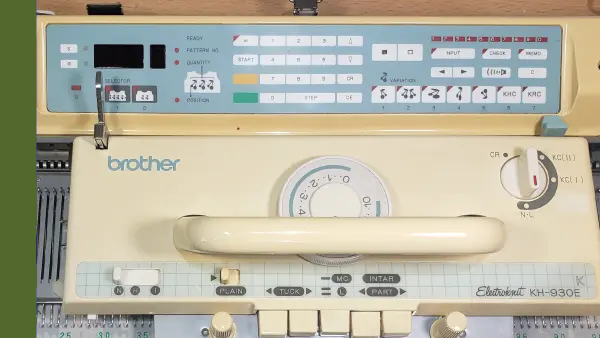
This workshop is for the Brother KH930 and KH940. The 940 has more memory in the electronics. The operation of the machine is the same. This machine was also sold as a Knit King Compuknit.
Set up the machine and work through plain knitting, electronics, stitch patterns, and the ribber. The course includes more than 3 hours of video, plus cheatsheets and tips you can come back to.
With this course, you’ll be able to:
Set up your Brother 930 or 940
Knit plain fabric and use the machine’s electronics
Work with stitch patterns
Use the ribber with this machine
Work through the course at your own pace and return whenever you need a refresher.
Ready to use your Brother 930 or 940?
$65
Already own this course? to continue learning.
One purchase. Ongoing access.
$65 one-time payment
No Knit It Now membership required
Learn at your own pace
Return to the course whenever you need a refresher
A free Knit It Now account is required to access your course
Frequently Asked Questions
Do I need a Knit It Now membership?
No. Your course purchase is separate from membership.
How long can I access the course?
You’ll have ongoing access through your Knit It Now account, so you can return whenever you need a refresher.
How do I access the course after purchasing?
Sign in to the Knit It Now account used during checkout, then visit the Courses page and select the course.
This course is included with your membership.
You own this course
Keep access to this course even if your membership ends.
Ultimate Brother 930/940 Workshop
Your Knitting Carriage
Learn About the Machine · Lesson 7 of 11
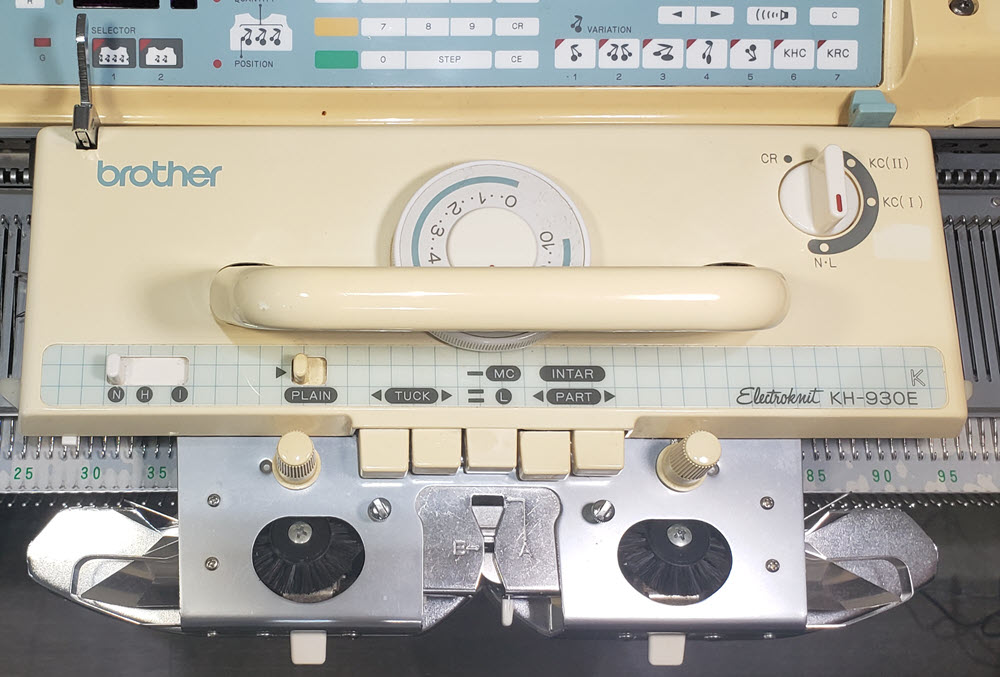
Take a moment to get familiar with the terminology and location of items on the carriage
Don't be overwhelmed by all the buttons, dials and levers on the carriage. As we cover the various techniques available, we will walk through each setting and explore it's impact on your knitting. Instead of forming each stitch one-at-a-time like in hand knitting, the carriage acts as your hands and fingers.
Using the butts of the needle and the channels underneath the carriage, select which needles will knit.
The Tension dial controls how the yarn is fed and how large the stitches will be.
The Change Knob Tells the machine that you want to knit in pattern
The Cam buttons instruct the machine about what type of stitch pattern you want to create
As you continue on your journey to master your machine, all of the other settings will become second nature to you. Don't skip this Hover over spots below to see details about the buttons and levers