
Feel Confident Using Your Silver Reed SK840
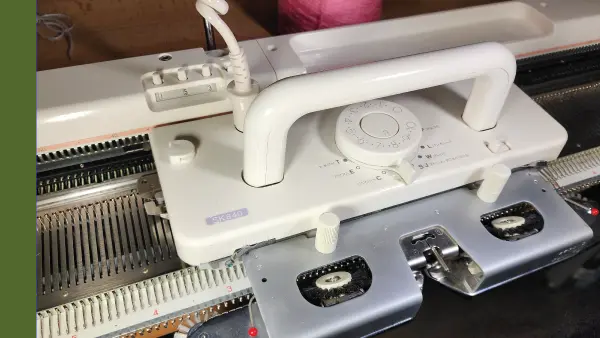
Your knitting machine has tremendous possibilities, but learning how to use its electronic features can feel overwhelming.
This course helps you become more comfortable with your Silver Reed SK840 so you can spend less time second-guessing your machine and more time knitting.
With this course, you’ll be able to:
- Approach your SK840 with greater confidence
- Better understand how your SK840 works
- Avoid common setup and operating frustrations
- Use the machine’s features more comfortably
- Spend less time searching for answers and more time knitting
Work through the course at your own pace and return whenever you need a refresher.
Ready to feel more confident with your Silver Reed SK840?
$49.99
Already own this course? to continue learning.
One purchase. Ongoing access.
- $49.99 one-time payment
- No Knit It Now membership required
- Learn at your own pace
- Return to the course whenever you need a refresher
- A free Knit It Now account is required to access your course
Frequently Asked Questions
- Do I need a Knit It Now membership?
- No. Your course purchase is separate from membership.
- How long can I access the course?
- You’ll have ongoing access through your Knit It Now account, so you can return whenever you need a refresher.
- How do I access the course after purchasing?
- Sign in to the Knit It Now account used during checkout, then visit the Courses page and select the course.